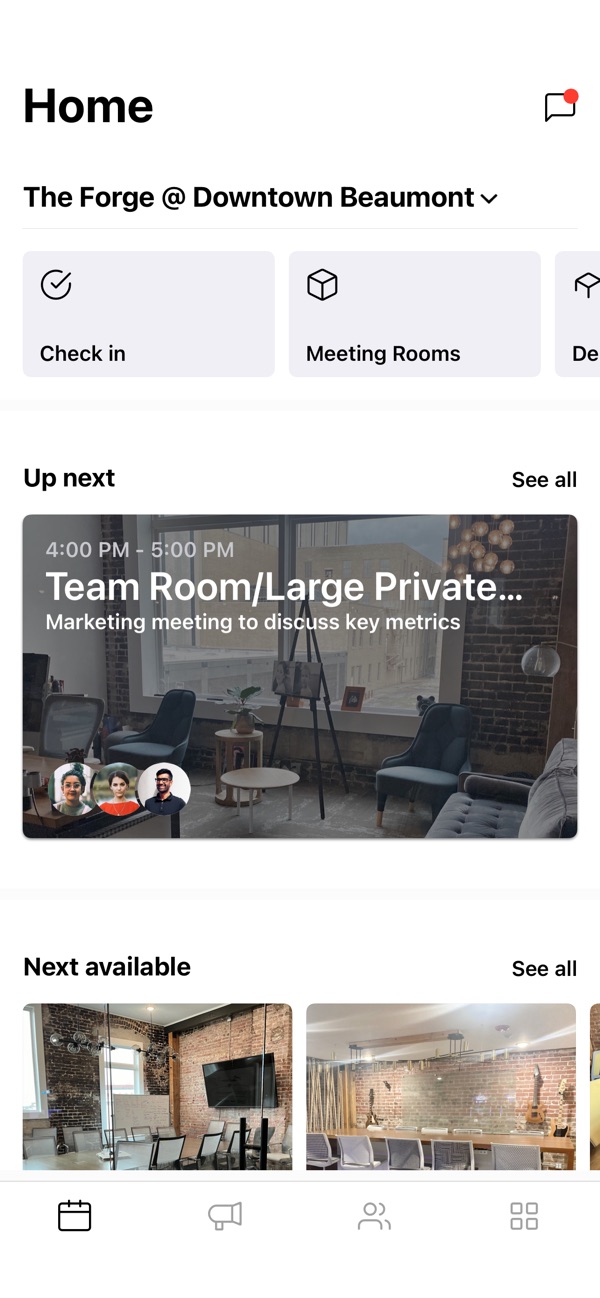
 Unlock the doors
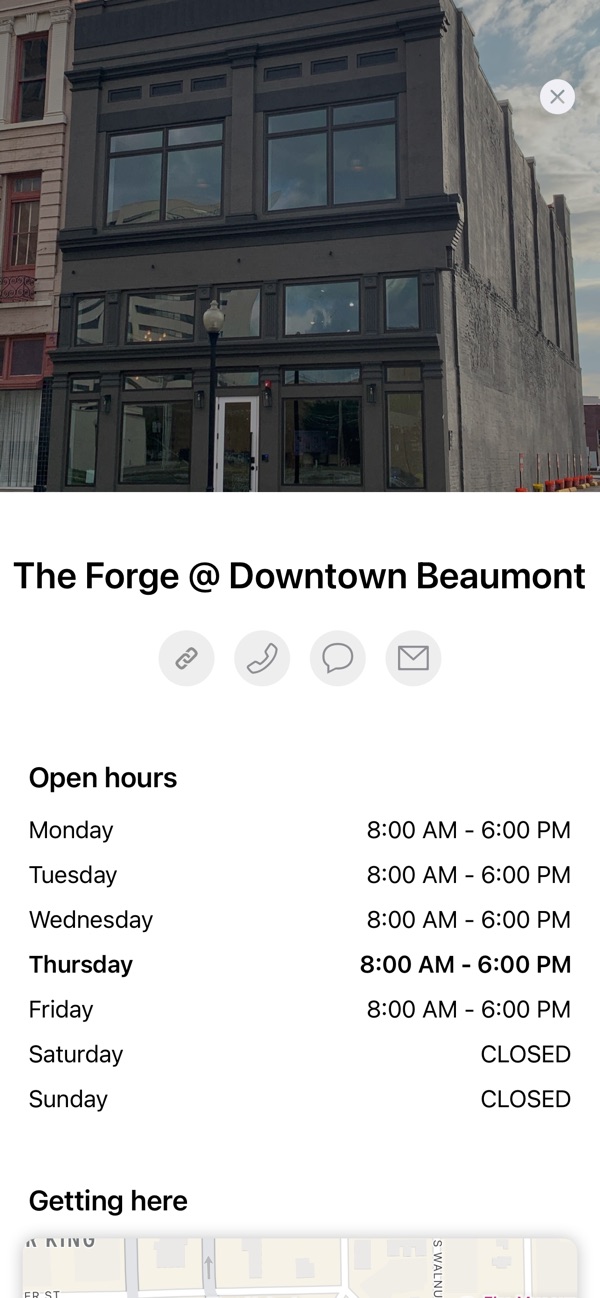 WiFi password
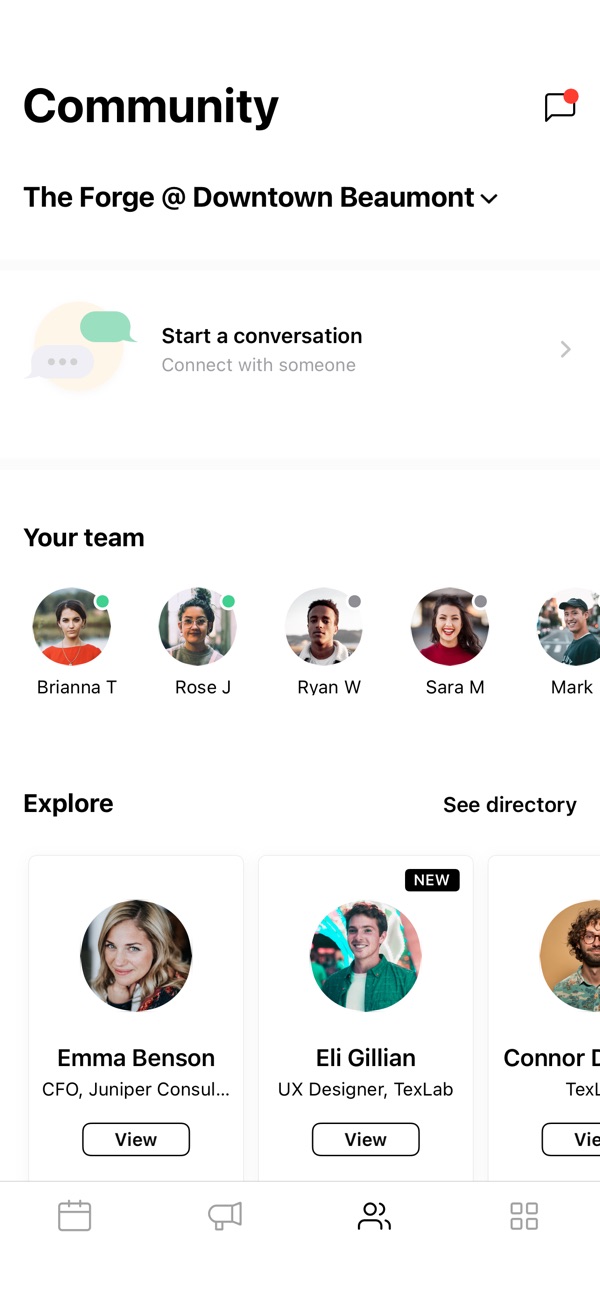 Message our team
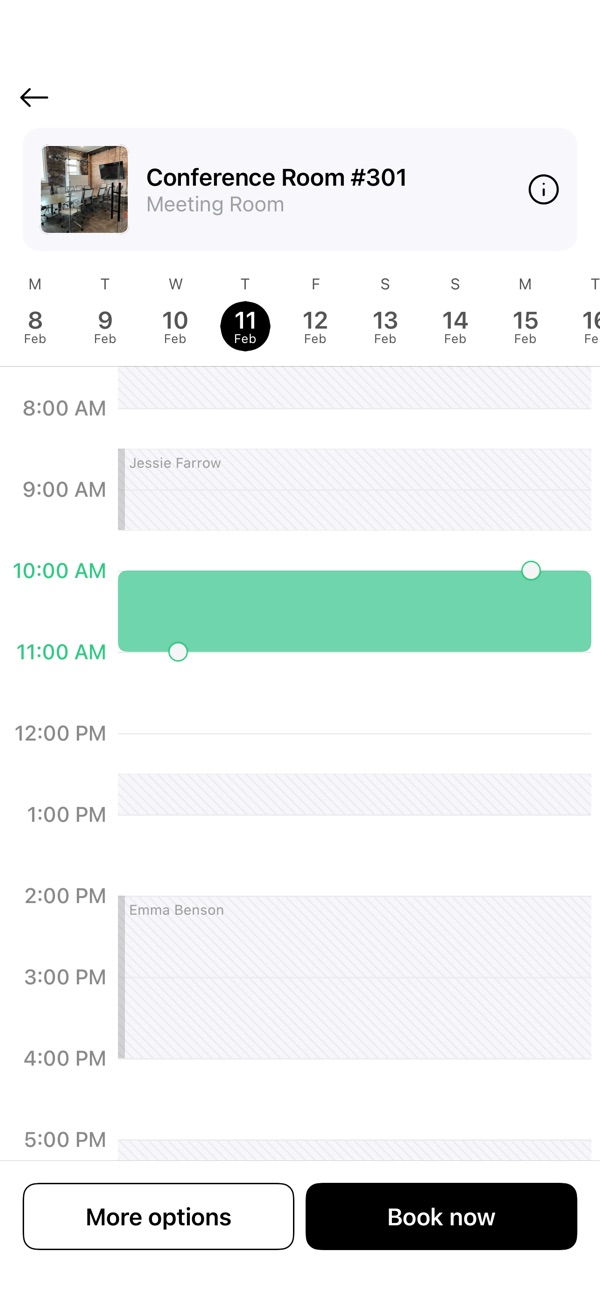
What you can do in the app
Unlock the doors
Your phone is your key. Tap to open the door when you arrive.
Get the WiFi password
It’s in the app, so you never have to ask for it.
Message our team
Send us a message in the app. Every admin sees it, so you get a quick answer.
Book desks and rooms
Pick a desk, a meeting room or an office and book it in a few taps.
See what’s free right now
Live availability, so you never show up to a full room.
Change or cancel
Move or cancel a booking yourself, without a call or an email.
Check in
Tap once when you arrive so we know you’re here.
Meet the community
Browse the member directory and see who works here.
Your plan and invoices
See your membership, past invoices and the card on file.
Set up in a minute
- Download itFree on the App Store and Google Play.


- Sign inUse the same email you booked or joined with. Your bookings are already there.
- Walk inUnlock the door from the app, grab the WiFi password and get to work.